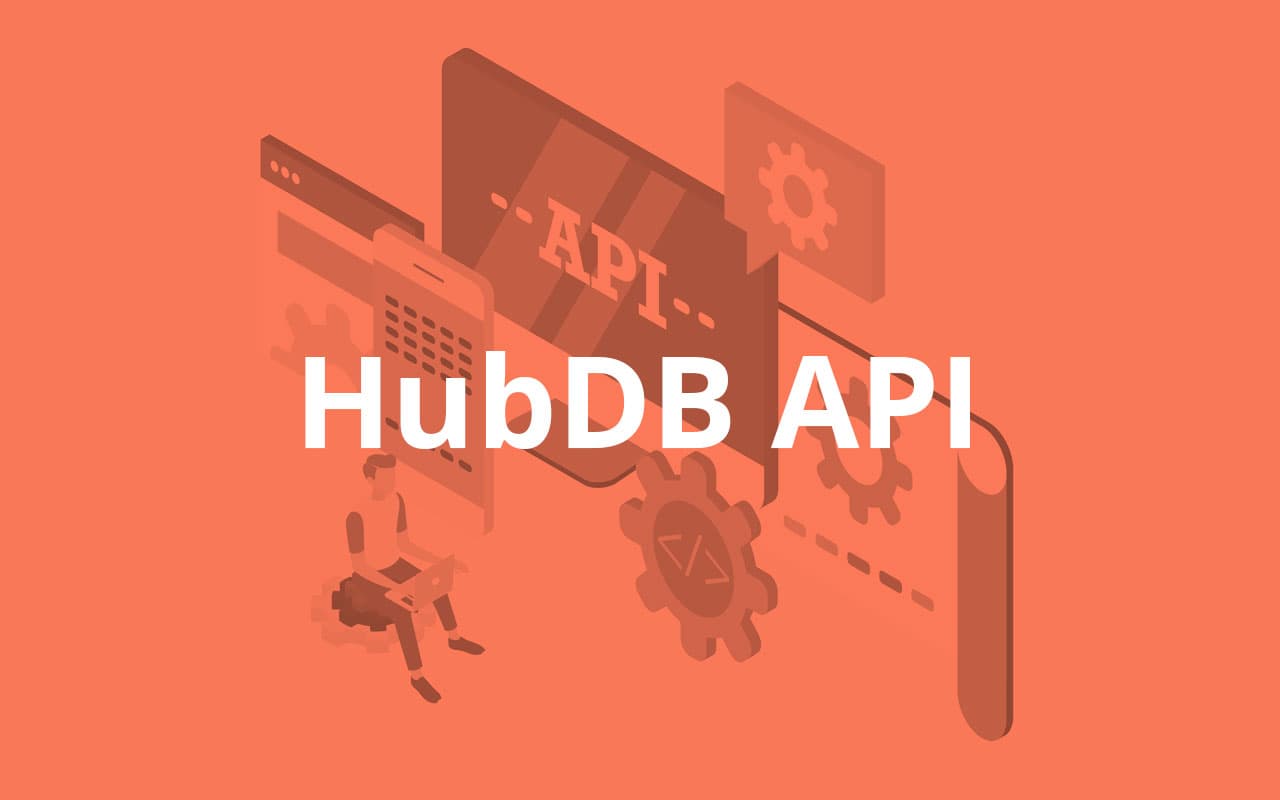

The HubDB API is the part of HubSpot's API that lets developers work with HubDB tables from code. You can create, read, update and delete tables and rows, and query and filter rows with a SQL-like syntax. Developers use it to build custom applications, integrations and website features that run on data stored in HubDB.
With HubDB you create your own data structures, such as product catalogues, resource libraries, listings or event lists, and show them on your HubSpot website. Tables can reference rows in other tables, and the API lets you keep that data up to date automatically instead of editing it by hand.
The API follows RESTful principles and returns data in JSON format. Authentication uses a private app access token, which you create in your HubSpot account settings under Integrations › Private apps. (HubSpot retired the old API keys in 2022, so guides that tell you to use an API key are out of date.) HubSpot provides documentation, code samples and official client libraries to help you get started.
The benefits of the HubDB API
There are several benefits to using the HubDB API, including:
1) Flexibility
You define the columns and structure that fit your business, and you can retrieve exactly the subset of rows you need with SQL-like filters.
2) Scalability
The API supports pagination, so you can work with large tables without loading every row at once.
3) Automation
Instead of updating tables by hand, you can update them from code, for example syncing a product catalogue or price list from another system on a schedule, so your website content stays accurate.
4) Integration
The API lets you connect HubDB to other software and systems, so data can flow between your website and the tools your business already uses.
5) Data management
Create, read, update and delete rows, and query and filter them with SQL-like syntax, to keep your website data organised.
How to use the HubDB API
To use the HubDB API you need a HubSpot account with HubDB available, and a private app with the HubDB scope. Once you have its access token, you can call the API from any programming language, such as JavaScript, Python or PHP.
Here is an overview of the general steps:
- In your HubSpot account, create a private app with the HubDB scope and copy its access token.
- Review the API documentation to understand the available endpoints and how to format your requests.
- Use a programming language and library of your choice to make HTTP requests to the API, sending the token in the Authorization header.
- Use the endpoints to create tables, insert rows, update rows and retrieve data. Remember to publish a table after changing it so the changes appear on your live pages.
- Use the data from the API in your custom applications, integrations and website pages.
- Test your implementation by sending requests to the API and checking the results.
- Once you are satisfied with your implementation, deploy your application or integration to production.
HubSpot also provides official client libraries for Node.js, PHP, Python and Ruby; they simplify working with the API by providing a layer on top of the HTTP requests.
Summary
The HubDB API lets developers access and manage data stored in HubDB tables: create, read, update and delete rows, and query and filter them with SQL-like syntax. Its main strengths are flexibility, scalability, automation, integration and data management. The API is RESTful, returns JSON, and uses private app access tokens for authentication. HubSpot provides documentation, code samples and client libraries to help developers get started.